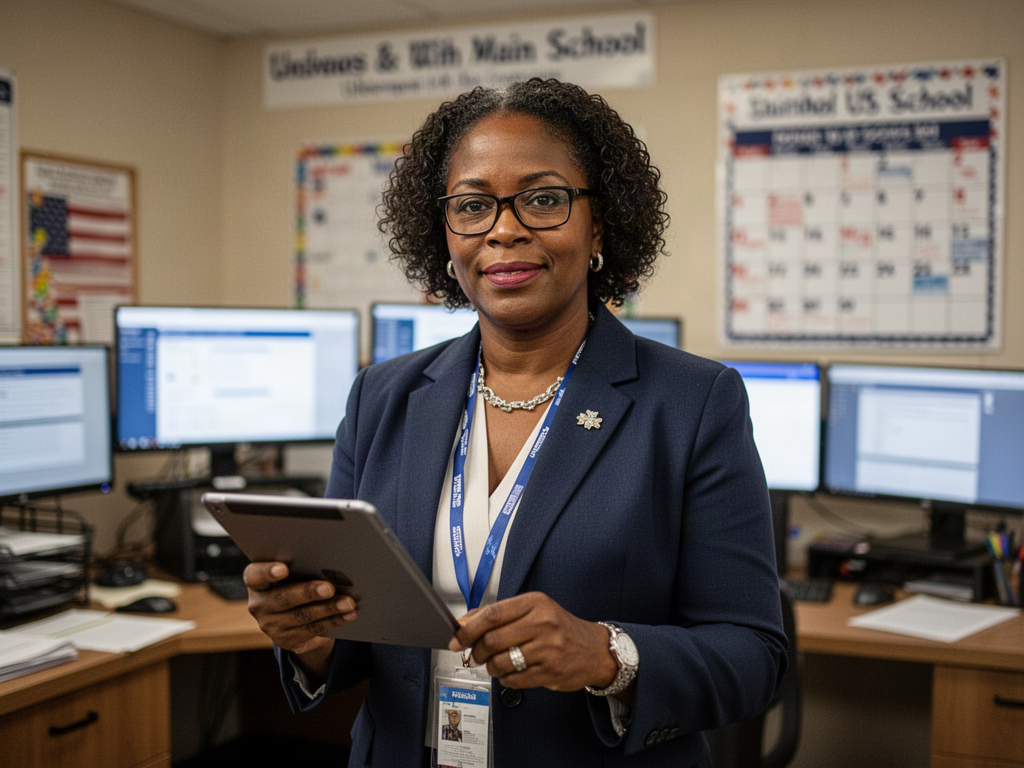
A school day rarely follows the plan exactly. Leaders move between classrooms, facilities questions, team conversations, and events while trying to keep important actions from disappearing into separate notes. OnwardSync is school walkthrough action plan software designed to give that work a steadier rhythm. It brings attention to what a team observed, what it decided to do, and who will follow through, without suggesting that a checklist can capture everything happening in a school.
The product is intended for school leaders and teams who need practical continuity across walkthroughs, recurring responsibilities, weekly planning, and shared knowledge. Its purpose is not to add another layer of reporting for its own sake. It is to help people find the next step when the week gets crowded, keep useful context close to the action, and make room for thoughtful decisions instead of repeated searches for the latest version of a plan.
When the school's work is scattered across the week
A leader notices something during a classroom walkthrough, a colleague flags a facilities concern, and a recurring task needs attention before Friday. Each may be recorded somewhere, yet the connection between observation and response can be hard to recover. The problem is not that a school team lacks commitment. Often the systems for capturing evidence, assigning work, and revisiting a decision simply do not line up.
School operations software should help a team maintain continuity without turning every interaction into paperwork. An instructional walkthrough tool, for example, is more useful when an observation can inform a clear action plan than when it only produces a collection of notes. OnwardSync is designed for that connection between noticing, planning, and returning to the work.
For leaders, teams, and the people carrying the next step
School leaders may need a dependable view of priorities across culture, classrooms, and facilities. Team members may need to know the evidence behind an action and when a follow-up is due. The person arranging the week may need events, reminders, and important links in one understandable planning rhythm. OnwardSync is designed to support these roles without assuming they all need the same screen or the same level of detail.
Teachers and staff should be able to understand why an action matters, not receive a task detached from context. Leaders, in turn, need space to distinguish an urgent operational issue from a longer conversation about improvement. School walkthrough action plan software is most useful when it helps a team carry that context forward and makes responsibility clear without assigning blame for the conditions a team inherited.
Connect observations to practical follow-through
OnwardSync is designed to support culture, classroom, and facilities walkthroughs; action plans tied to evidence; and recurring tasks with reminders and escalation. It also includes the idea of weekly events and planning, a school knowledge hub for policies and links, and templates for repeatable work. Together, these capabilities are meant to reduce the distance between something a team notices and the action it agrees to take.
A template can provide a starting point, but a school still needs to decide which observations matter and what response is appropriate. A reminder can surface an overdue step, but it cannot resolve a difficult conversation. The practical benefit is a shared place to return to the evidence, the decision, and the next owner, so people can move onward without relying on memory alone.
A week with a clearer operating rhythm
Imagine a typical week as a workflow example, not a claim about a school using the product. On Monday, a leadership team reviews the week's events, open actions, and recurring responsibilities. During a Tuesday walkthrough, a leader records a classroom observation and the context needed to discuss it well. A separate facilities walkthrough surfaces an issue that needs a different owner and a different timeline.
Midweek, colleagues agree on an action plan tied to what was observed, using a template where it helps and changing it where it does not. Reminders bring time-sensitive work back into view; a shared policy link answers a routine question without another search. On Friday, the team checks what moved forward, what needs more conversation, and what should carry into next week. The rhythm supports attention rather than pretending every item will close neatly.
Where OnwardSync meets the rest of the suite
Onward180 speaks to a broader student journey. Onward Nexus is designed for relationships and follow-up with community partners, while Onward Signal focuses on communications planning and publishing. OnwardSync has a different center of gravity: the operational cadence inside a school, including observations, actions, recurring work, and shared reference material. A school can use that distinction to ask which problem it is actually trying to solve.
A facilities action, a partner conversation, and a public message may be related, but they should not be treated as the same record. If your team is considering several Onward products, map the human handoffs first and confirm current product capabilities before depending on any particular connection. A suite can help make a larger picture visible without promising that every workflow is already linked behind the scenes.
Handle school information carefully; verify what is available
Walkthrough notes and action plans can include context about staff, students, and school spaces. OnwardSync is designed with privacy expectations in mind. Teams should agree on what belongs in a record, who needs to see it, and how observations will be discussed fairly. Organizations should review data agreements and their own policies before putting sensitive school information into a new workflow.
OnwardSync has a published site and is in active development. Visit onwardsync.com for current availability, including the present form of walkthrough, planning, and knowledge-hub capabilities. A sensible first step is to follow one existing action from observation to completion and note where context gets lost. That gives your team a grounded way to evaluate whether a new operating rhythm would help.
OnwardSync questions, answered
What is OnwardSync designed to do?
OnwardSync is school walkthrough action plan software designed to connect walkthrough evidence with actions, recurring tasks, weekly planning, and shared school knowledge. It is intended to help teams keep track of decisions and follow-through, not to replace professional judgment.
Are walkthroughs limited to classrooms?
No. The product's intended scope includes culture, classroom, and facilities walkthroughs. These areas call for different observations and responses, so teams should assess the current product capabilities and choose practices that fit their school's actual responsibilities.
Can a reminder resolve an overdue action?
A reminder or escalation can bring an open task back to the team's attention; it cannot explain every barrier or decide the right response. The useful next step may be a conversation, a change in ownership, or a revised plan.
Is OnwardSync the same as Onward Nexus?
No. OnwardSync centers on a school's internal planning and follow-through. Onward Nexus focuses on community relationships, outreach, events, and referrals. Their purposes may be complementary, but teams should verify current capabilities rather than assume an automatic connection.
How should our leadership team evaluate it?
Choose one current walkthrough or recurring task and trace how its evidence, owner, deadline, and follow-up are handled today. Visit onwardsync.com for current availability, then use that real workflow to ask specific questions about what the product is designed to support.