From Community Relationships to Student Pathways
onward suitehow community partnerships support student pathways
A strong community partnership gives students a clear next step, not just a list of organizations. Learn how to choose partners, shape useful opportunities, and use Onward Nexus as a starting point for relationship-centered planning.
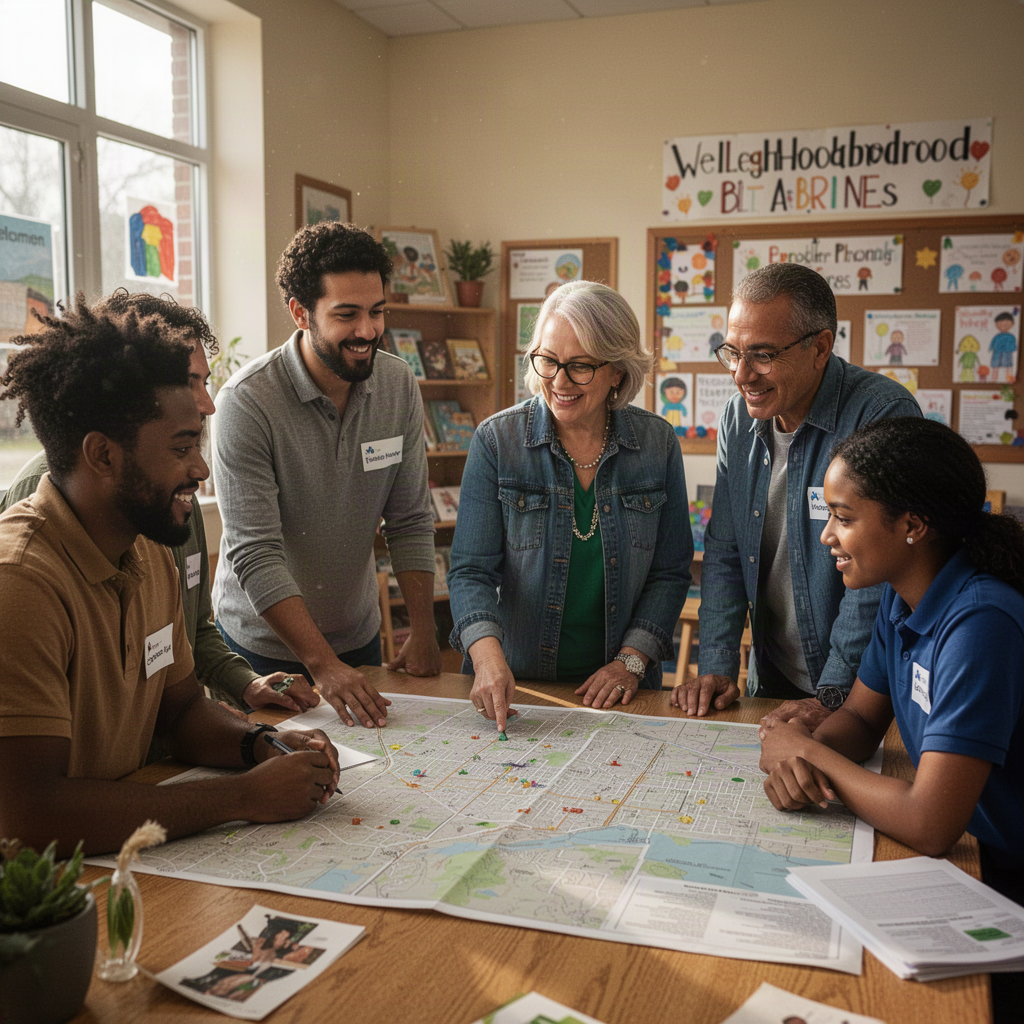
Start with the student’s next step
A community partnership matters when it helps a student move toward something they value: exploring a career, practicing a skill, finding a mentor, or learning what further education involves. A long partner list may look impressive, but it does not tell students what they can do next or who will help them get there.
Begin with a specific pathway question. For example: “How can students interested in culinary work meet people in the field and try a relevant task?” That question is more useful than “How can we get more businesses involved?” It gives staff and potential partners something concrete to respond to, while leaving room for students to shape the opportunity.
Ask students what they want to explore and what would make participation realistic. A workplace visit may be useful for one student; another may prefer a small-group conversation or a project hosted at school. Decide what kind of experience you are seeking before approaching organizations, and avoid promising a placement or result that no partner has agreed to provide.
Choose partners for a defined contribution
Look for people and organizations that can contribute to the particular experience you have in mind. A local employer might explain how a role works. A community college representative might help students compare areas of study. A nonprofit could offer a project connected to its work. These are examples of possible contributions, not assumptions about what any organization can offer.
Make the request manageable. Instead of asking a partner to “support career readiness,” ask whether they could join a 30-minute student discussion, review a project brief, or describe the skills used in a specific role. Then ask what the partner can realistically commit to, who the contact person is, and what preparation they need.
A useful decision is whether the proposed activity gives students a real chance to learn or contribute. If the answer is unclear, refine the request before scheduling it. Be equally clear about limits: a conversation can build understanding, but it is not the same as a job offer, certification, or guaranteed referral.
Use Nexus to make relationships purposeful
Onward Nexus is part of the Onward Suite, Avodah Dynamics’ hub connecting Ready Set Onward, Onward Families, Onward180, ONWARDology, Onward Nexus, OnwardSync, Onward Signal, and Onward Playbook. To explore the product within that broader context, visit [Onward Nexus](/products/onward-nexus) and the [Onward ecosystem](/ecosystem).
Treat a relationship-focused tool as a prompt for better human decisions, not as a substitute for them. Before you begin planning around a partner, be ready to answer: What student interest or pathway does this relationship connect to? What specific contribution have we discussed? What is still only an idea? Who will follow up, and by when?
For example, if a neighborhood design firm is interested in engaging students, first agree on a modest activity—perhaps feedback on a student-designed public-space proposal. Confirm the audience, time, preparation, and boundaries with the firm and students. Do not describe the idea as a confirmed opportunity until those details are agreed. The relationship is valuable when both sides understand the purpose and students know what to expect.
Make the handoff clear
An opportunity can lose momentum when everyone assumes someone else will handle the next step. Name a school contact and a partner contact. Decide who will invite students, explain the activity, coordinate practical details, and check in afterward. If a student wants to continue the conversation, agree on an appropriate way to ask permission and make that introduction.
Keep the information shared with partners focused on the activity. Do not assume that products in the Onward Suite share a login, exchange data, or have live integrations. If you are considering [OnwardSync](/products/onwardsync), consult its product information and confirm what it does before building a workflow around it. Meanwhile, document responsibilities using the processes your team has verified and approved.
After the experience, ask students what they learned and what they want to do next. Ask the partner what worked and what would need to change before repeating the activity. Use those answers to decide whether to continue, revise, or close the relationship. A thoughtful ending is better than leaving a vague commitment unresolved.
Check the plan, then take one next action
Before moving forward, use this short checklist:
- Is there a student interest or pathway behind the partnership? - Is the partner’s contribution specific and confirmed, rather than assumed? - Do students know what the activity is—and what it does not promise? - Are contacts, responsibilities, and the follow-up date clear? - Have you checked product details instead of assuming shared tools or integrations?
Your next action: choose one student pathway question and one potential community partner. Draft a three-sentence invitation that explains the student interest, proposes one manageable contribution, and asks what the partner could realistically offer. Review it with students or colleagues before sending. That small, clear request is a better foundation for opportunity than an ambitious promise without an agreed plan.
Common questions
### What makes a community partnership useful for student pathways?
It connects a student interest to a specific, realistic learning experience, with clear expectations and a named person responsible for follow-up. A partnership should not be presented as a guaranteed placement or outcome.
### Does the Onward Suite mean its products share data or integrations?
No such capability should be assumed. The suite is described as a hub connecting its products; confirm product details before planning a workflow that depends on shared logins, data exchange, or integrations.
Explore how the Onward family connects this topic to practical tools.
Find your Onward path