A Practical Workflow for School Community Partnership Tracking
school community partnership trackingonward-nexusonwardsync
A step-by-step way for schools and community partners to track relationships, events, referrals, and outcomes—while keeping responsibilities clear and information appropriate to share.
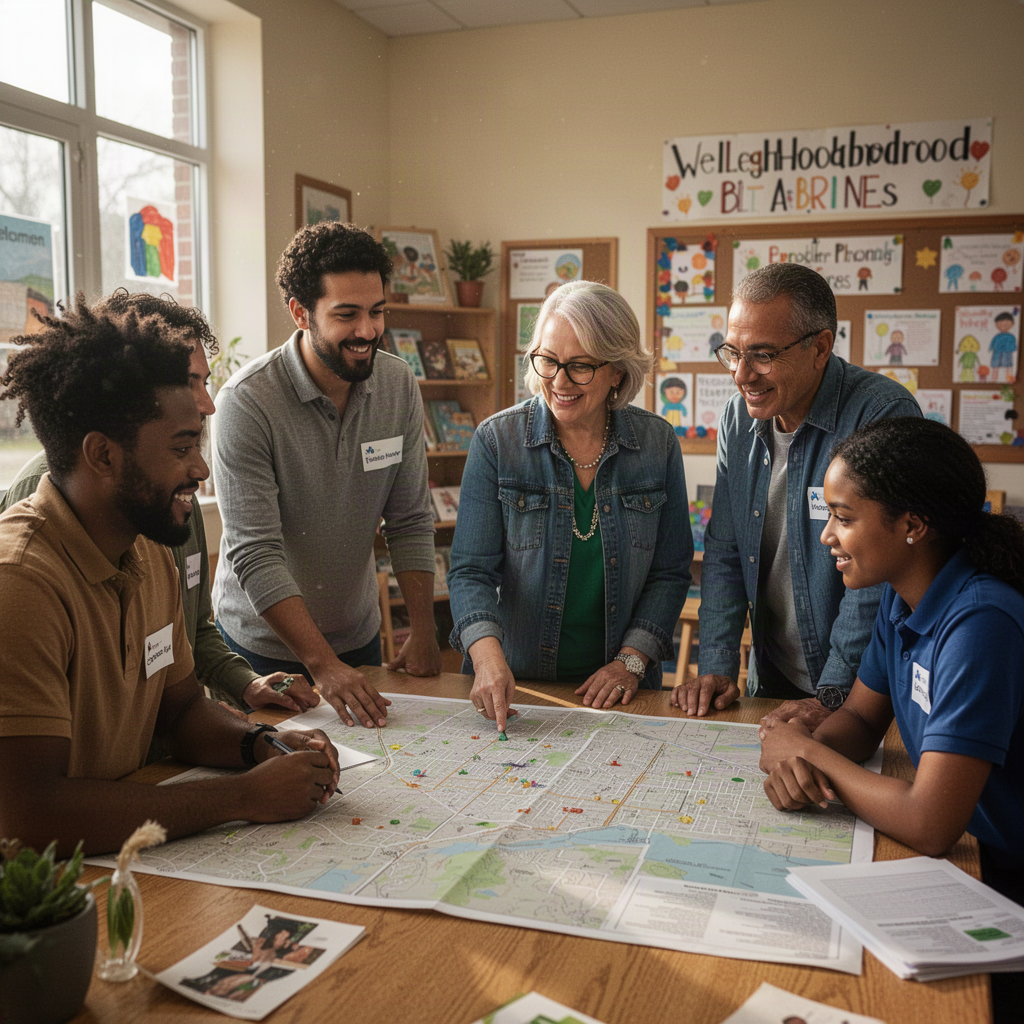
School community partnerships can create tutoring, mentoring, health, enrichment, and family-support opportunities. But good intentions are difficult to sustain when partner contacts live in personal inboxes, event details sit in separate calendars, and nobody knows whether a referral led to a useful next step.
A practical tracking workflow connects four things: the partner, the opportunity, the activity, and the outcome. It helps a school or community organization answer basic operational questions without treating every interaction as a data-collection exercise: Who is involved? What did we agree to do? Did the activity happen? What should happen next?
Start with a shared purpose
Before choosing a spreadsheet, database, or platform, agree on why you are tracking partnerships. A useful purpose is specific enough to guide decisions, such as coordinating volunteers, preventing missed follow-ups, or understanding which types of events families find useful.
Write down the questions the tracking process should answer. For example:
- Which organizations have an active agreement or recurring activity? - Who is the day-to-day contact on each side? - What events or services are scheduled, and who owns the next task? - How many people participated, using a consistently defined count? - What feedback or follow-up would help improve the next activity?
Keep the list focused. If a field will not help someone coordinate, learn, or make a decision, consider leaving it out. Tracking should make partnership work easier, not create a second job that partners cannot sustain.
Use a four-part tracking model
A dependable workflow can be organized around four connected records.
**1. Partner:** Record the organization’s name, its purpose in the partnership, the main contact, preferred communication method, and the status of the relationship. Status labels might include exploring, active, paused, or concluded. Define each label so staff members use it consistently.
**2. Opportunity:** Describe what the partnership makes possible: a mentoring program, a family resource night, a career visit, or a referral to a community service. Include the intended audience, location or delivery format, eligibility or participation steps, and any capacity limits partners need to know.
**3. Activity:** Log the concrete work: planning meetings, events, volunteer sessions, or agreed follow-ups. Include a date, owner, status, and next action. An activity record should make it easy to see whether something is planned, completed, rescheduled, or cancelled.
**4. Outcome and learning:** Capture a small amount of information that helps the team understand what happened and what to improve. This might include attendance, whether a planned service was delivered, partner feedback, or a next-step decision. Distinguish an output—such as an event taking place—from an outcome, such as participants reporting that they know how to access a resource. Do not claim an outcome unless you have a reasonable way to observe or confirm it.
These records should connect to one another. If a school reviews an event, staff should be able to identify which partner supported it and what follow-up was agreed, rather than reconstructing the story from scattered messages.
Move from first contact to follow-up
Use the same basic sequence for each partnership, adapting it to the work involved.
**Step 1: Log the initial conversation.** Note the partner, the person who made contact, the date, the proposed need or opportunity, and who will respond. Avoid recording sensitive personal details in general partnership notes.
**Step 2: Agree on the activity.** Confirm the purpose, audience, timing, roles, practical requirements, and how each side will communicate changes. Be explicit about who handles logistics, participant questions, and follow-up.
**Step 3: Prepare and confirm.** Assign a named owner to each open task, such as reserving a room, confirming volunteers, or sharing an invitation. Set a due date and record completion. If the plan changes, update the activity record rather than relying on a verbal handoff.
**Step 4: Record what happened.** After the activity, enter the basic information the team agreed to collect. Use the same definition each time. For example, decide whether an attendance count refers to registered people, people who arrived, or people who completed the activity.
**Step 5: Close the loop.** Thank the partner, share appropriate feedback, record unresolved needs, and assign the next action. If the partnership will continue, note the next review date. If it is ending or pausing, record the reason in neutral, work-focused language.
Choose measures that support decisions
A tracking system should help people act, not just produce totals. Pair a few operational measures with a way to learn from participants and partners.
Operational measures might include the number of active partnerships, planned activities completed, overdue follow-ups, or referrals for which a next step was confirmed. Learning measures might include a short partner debrief, participant feedback, or a check on whether people understood how to access the offered service.
For each measure, ask: What decision could this change? Who will review it? How often? If nobody can name a decision or owner, the measure may not be worth collecting. Avoid using a single count as proof that a partnership improved student or family outcomes. Counts can show activity; understanding impact usually requires context and careful interpretation.
Set boundaries for information sharing
Partnership tracking does not require putting every detail about a student or family in a shared record. Agree on what information is necessary for coordination, who can access it, and where sensitive information belongs. Use approved processes for referrals or case-related information, and follow the school or organization’s established privacy and records practices.
A useful test is: Would the partner need this detail to carry out the agreed activity? If not, do not include it in a general partnership log. Where individual follow-up is necessary, use the appropriate, restricted channel and make responsibilities clear. A tracking tool cannot replace a conversation about consent, confidentiality, or organizational policy.
Make ownership and review routine
Assign one person or role to maintain the partner list, but make activity owners responsible for updating their own tasks. Establish a brief review cadence—for example, a recurring team check-in—to scan upcoming activities, overdue actions, paused relationships, and lessons from completed events. The right schedule depends on how frequently partnerships operate.
Use a simple status rule: every active opportunity has an owner, a next action, and a date to revisit it. That rule catches many common breakdowns, including contacts that have left, events with no confirmed lead, and referrals with no agreed follow-up.
When a shared platform may help
A shared tool becomes useful when multiple people need a consistent view of partner relationships, activities, and next steps. Compare options by asking whether staff can find the current contact, update work without duplicate entry, manage access appropriately, and review progress across partnerships.
For organizations exploring a connected approach, Onward Nexus and OnwardSync may be relevant starting points. Onward Nexus is associated with coordinating community partnerships; that coordination can give teams a clearer place to manage shared work and support more dependable follow-through. OnwardSync is associated with connecting information across systems; where that capability fits an organization’s needs, it may reduce fragmented handoffs and help people work from more consistent information. Confirm current capabilities and fit directly before making a selection.
The tool should follow the workflow, not define it. Start with a clear purpose, a small set of shared records, named owners, and sensible information boundaries. Then review whether the process makes it easier for partners to deliver opportunities—and easier for schools and community organizations to learn what to improve. See /products/onward-nexus and /products/onwardsync for relevant product information, or visit /solutions to explore broader approaches.
Explore how the Onward family connects this topic to practical tools.
Find your Onward path